VBC Media

Media Trainings

Train for excellence.
Six beginner lessons in every area. Watch, check it off, and grow from beginner to confident to team lead.
Your progress
0/36 · Getting Started
Audio / Sound volunteer
0/6 complete

Audio / Sound

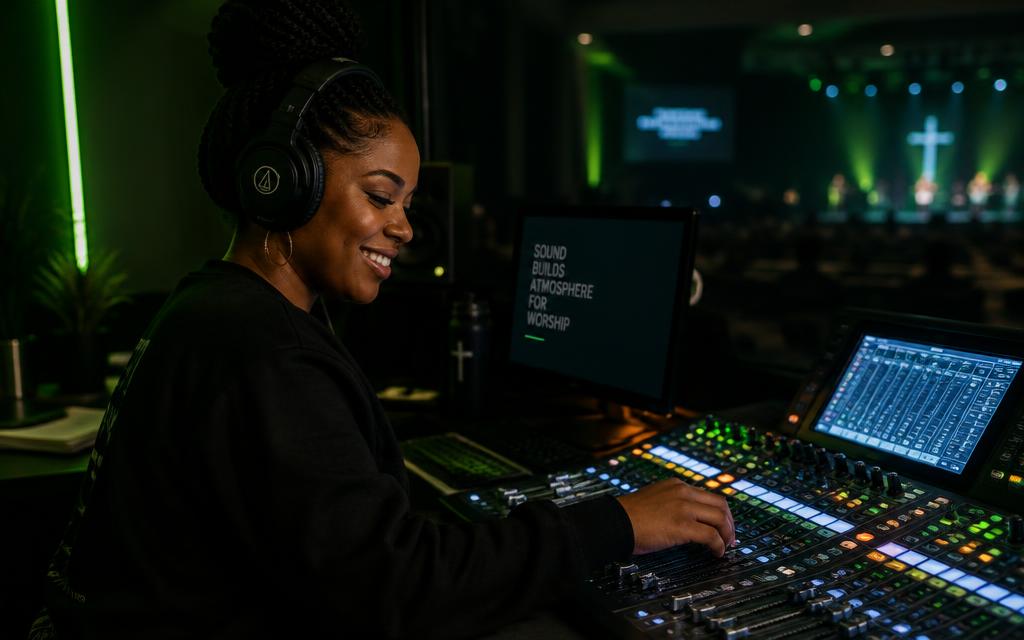
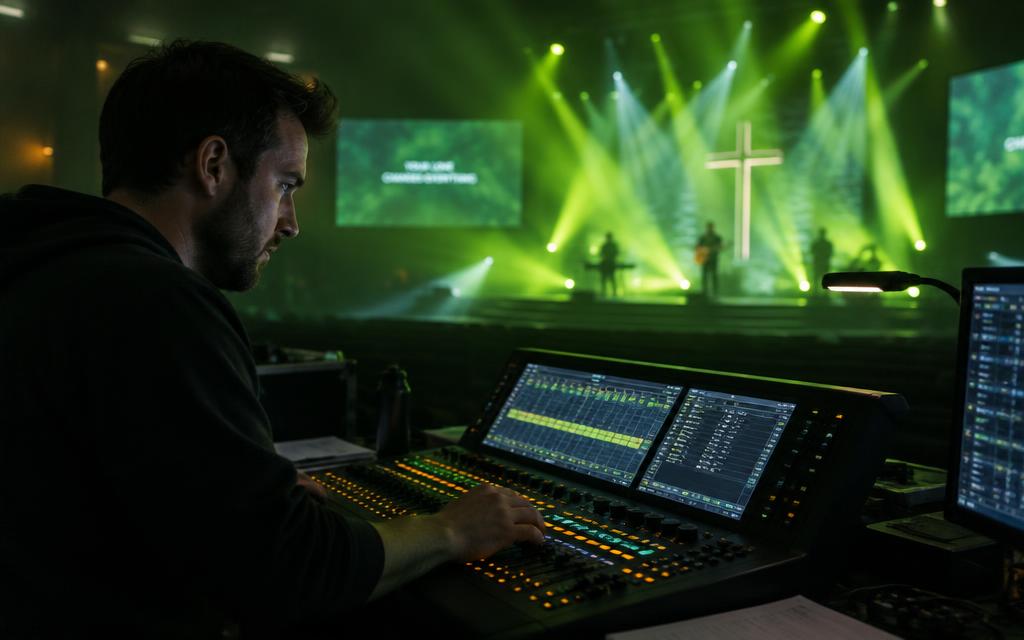
Shapes what the congregation and online viewers hear. This team mixes music, vocals, and the spoken word so the message is clear and worship is free of distraction.

Note: Confirm which console VBC uses (X32, Allen & Heath, Yamaha) — lessons 2 and 6 may be swapped to match.
  1. Church sound system basics

    Lesson 1

    Watch
  2. Reading a mixing board: gain, faders, EQ

    Lesson 2

    Watch
  3. Microphone types and placement

    Lesson 3

    Watch
  4. Running a sound check

    Lesson 4

    Watch
  5. Stopping feedback

    Lesson 5

    Watch
  6. Mixing a worship band (X32 Basic Mixing 101)

    Lesson 6

    Watch
Lighting volunteer
0/6 complete

Lighting

Sets the atmosphere of the room. This team uses light to focus attention, support the mood of each moment, and help people feel welcomed into worship.

Note: Lessons 5 and 6 assume DMX / LightKey.
  1. Church lighting basics

    Lesson 1

    Watch
  2. Light placement 101

    Lesson 2

    Watch
  3. Three-point lighting for a stage

    Lesson 3

    Watch
  4. Church lighting design best practices

    Lesson 4

    Watch
  5. Programming DMX lights

    Lesson 5

    Watch
  6. Running lights on Sunday (LightKey operator)

    Lesson 6

    Watch
Projection volunteer
0/6 complete

Projection

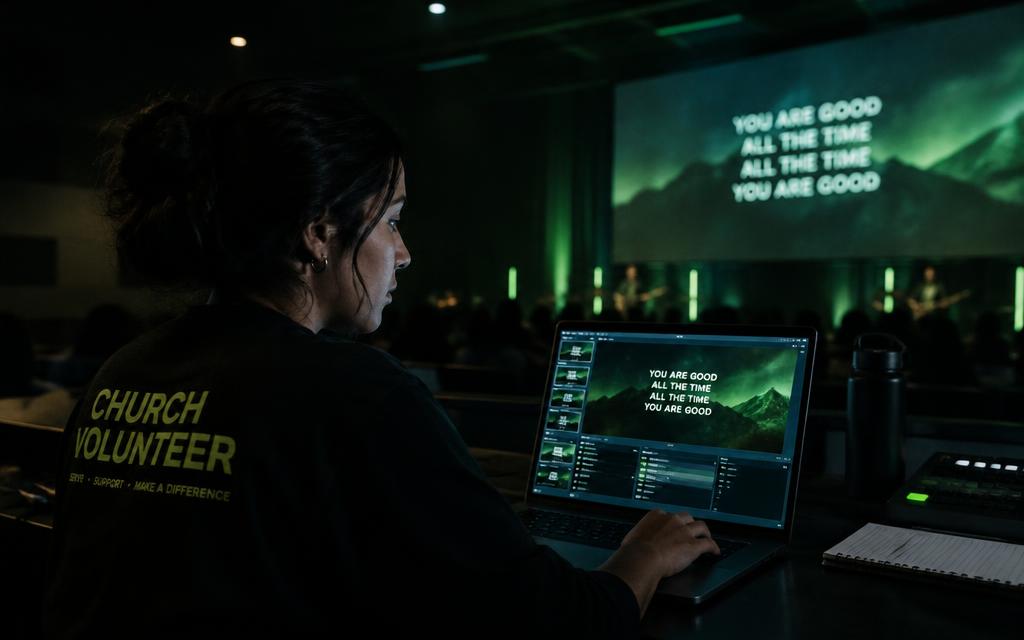
Puts lyrics, scripture, and announcements on the screens at the right moment. This team helps everyone follow along and participate, including first-time guests.

Note: Lessons 1–5 assume ProPresenter.

  1. Complete beginner's guide to ProPresenter 7

    Lesson 1

    Watch
  2. Interface tour

    Lesson 2

    Watch
  3. Libraries, playlists, and songs

    Lesson 3

    Watch
  4. Adding songs and lyrics

    Lesson 4

    Watch
  5. Running slides as a volunteer operator

    Lesson 5

    Watch
  6. Lyric slide best practices

    Lesson 6

    Watch
Stream volunteer
0/6 complete

Stream

Delivers the service to people watching online. This team manages the livestream signal, graphics, and platform so the Sunday experience reaches those who can't be in the room.
  1. Livestream setup overview

    Lesson 1

    Watch
  2. OBS setup basics

    Lesson 2

    Watch
  3. Going live on YouTube

    Lesson 3

    Watch
  4. Getting great audio into the stream

    Lesson 4

    Watch
  5. Directing and switching a livestream

    Lesson 5

    Watch
  6. Troubleshooting a stream

    Lesson 6

    Watch
Camera volunteer
0/6 complete

Camera

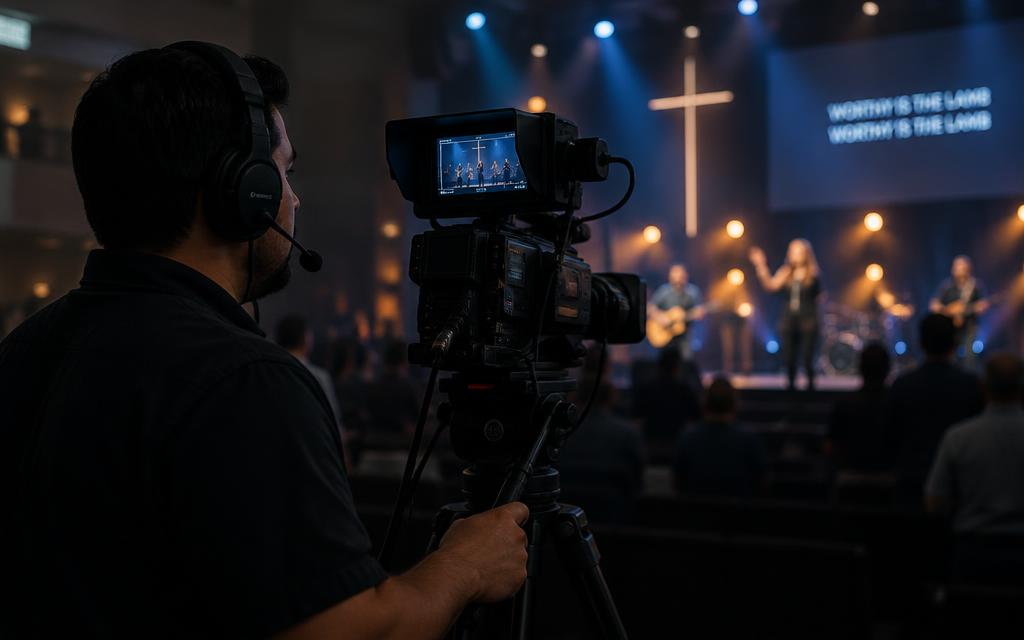
Captures the service through the viewer's eyes. This team frames and moves shots with care, so the people at home see what those in the room experience.
  1. Camera operator and video director training (Churchfront)

    Lesson 1

    Watch
  2. Camera operator basics

    Lesson 2

    Watch
  3. Headroom, framing, and rule of thirds

    Lesson 3

    Watch
  4. Smooth pan, tilt, and zoom

    Lesson 4

    Watch
  5. PTZ camera basics

    Lesson 5

    Watch
  6. Exposure basics: aperture, ISO, shutter

    Lesson 6

    Watch
Online Host volunteer
0/6 complete

Online Host

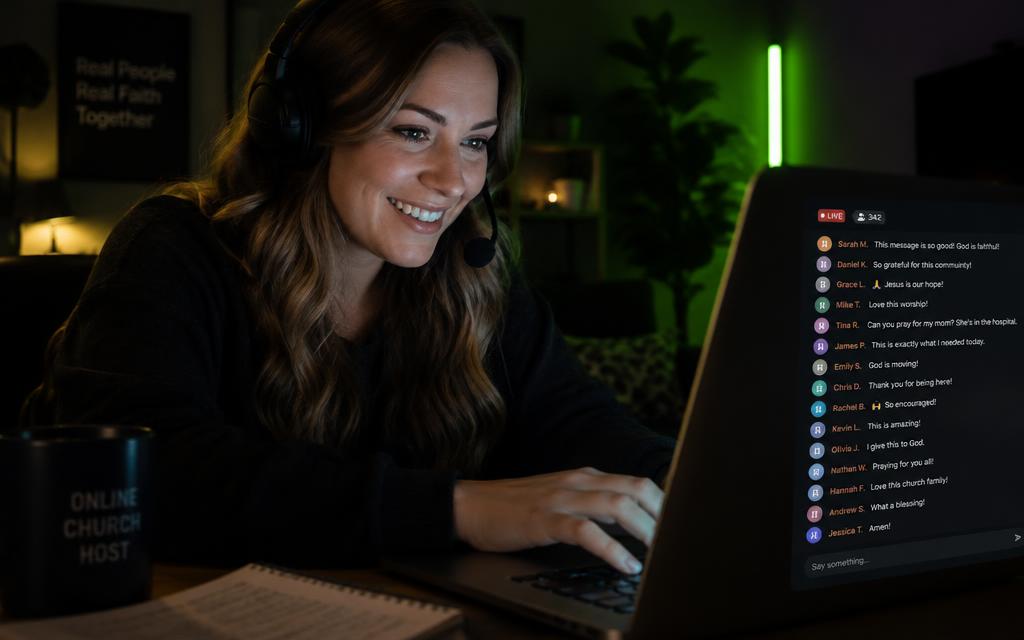
Welcomes and connects with the online congregation. This team member engages viewers in the chat, shares next steps, and makes sure no one watching feels like a spectator.

  1. What a church online host does

    Lesson 1

    Watch
  2. Life.Church online host training

    Lesson 2

    Watch
  3. Welcoming people in chat

    Lesson 3

    Watch
  4. Icebreaker questions and discussion

    Lesson 4

    Watch
  5. Praying with viewers in chat

    Lesson 5

    Watch
  6. Moderating chat and handling difficult moments

    Lesson 6

    Watch

Trusted channels

Go deeper on YouTube